
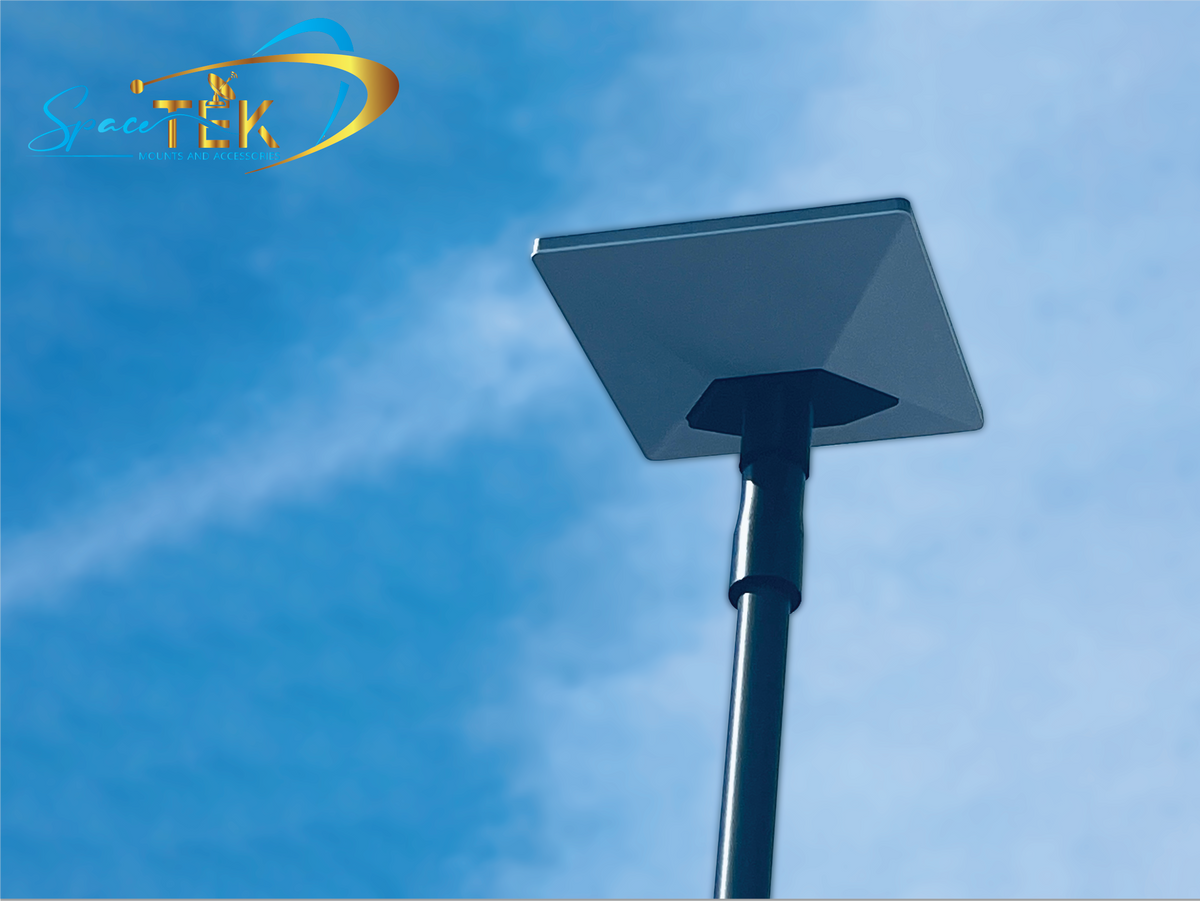
How do you mount a Starlink Mini on a pole?
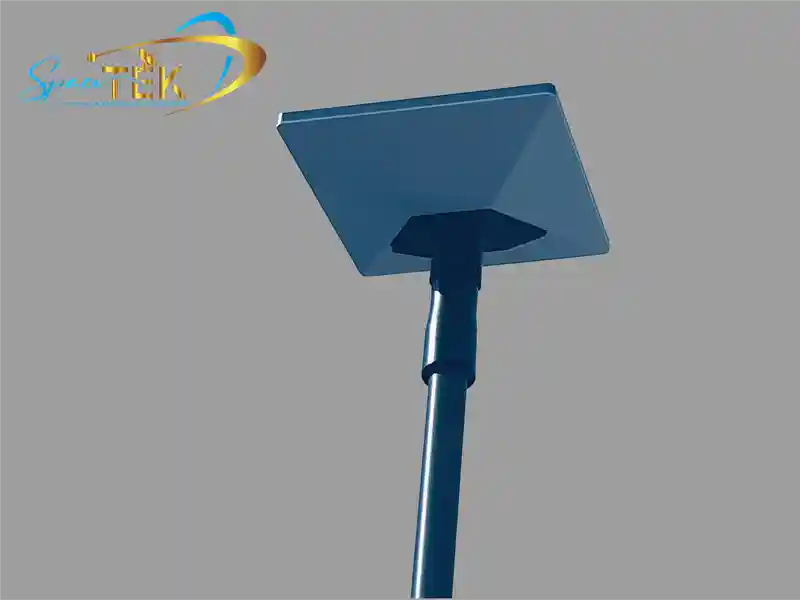
Mounting a Starlink Mini on a pole requires checking line-of-sight clearance in the Starlink app, attaching a manufacturer-approved pipe adapter or mast mount, routing cables securely, and verifying alignment.
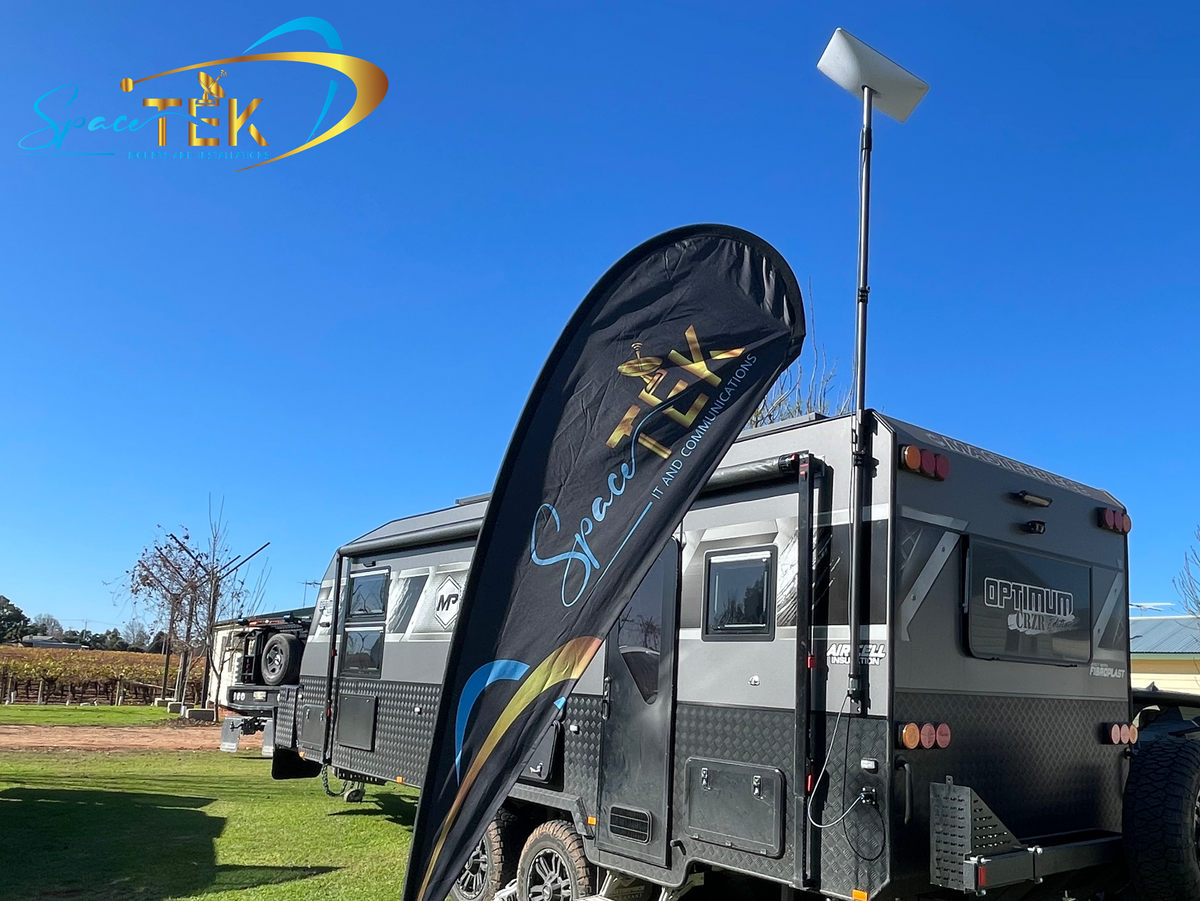
If you need extra height beside a caravan or RV, SpaceTek Australia's Carbon Fibre Telescopic RV Mount for Starlink Mini may suit if the current product page confirms availability, Mini compatibility, and its stated extension range for your setup. This guide covers practical starlink mini pole mount practices and off-grid mounting considerations without replacing the official Starlink installation instructions.
What Is the Starlink Mini Pipe Adapter and Flat Mount Kit?
The Starlink Mini Pipe Adapter and Flat Mount system should be understood through Starlink’s current documentation, as compatibility and installation details can change. In general, a pipe adapter is used with a suitable cylindrical mast, while a flat mount is used on an appropriate flat surface where the official guide confirms that installation method is suitable.
Whether anchoring to a stationary mast or using an off-grid caravan pole, selecting the right mounting interface is essential. For manufacturer specifications, refer to the official Starlink Mini accessories guide or explore our comprehensive Starlink Mini mounting guide.
| Specification Feature | Pipe Adapter Setup | Flat Mount Setup |
|---|---|---|
| Primary Mounting Surface | Suitable cylindrical masts / vertical poles, where confirmed by Starlink | Suitable flat surfaces, where confirmed by Starlink |
| Fastening Mechanism | Manufacturer-specified pipe adapter hardware | Manufacturer-specified flat mount hardware |
| Primary Application | Elevating the dish to improve line-of-sight clearance | Low-profile installs where elevation is not required |
| Alignment Flexibility | Depends on the current Starlink hardware and installation guide | Depends on the current Starlink hardware and installation guide |
How Does the Pipe Adapter Differ from Flat Mounting?
Choosing between a pipe adapter and a flat mount depends on your travel setup, line-of-sight needs, and the current Starlink guidance for your hardware:
- Tubular Mast Mounting: A pipe adapter is intended for compatible cylindrical poles when Starlink’s current instructions confirm the mast size and installation method.
- Flat Surface Mounting: Flat mounting fixes the dish base to a suitable flat surface only where the surface, fasteners, and installation method are confirmed by the manufacturer.
- Terrain and Obstruction Clearance: Flat mounting can keep a compact profile, while elevating your dish on a mast can help clear campsite obstacles and surrounding foliage when the setup is stable and manufacturer-approved.
How Do You Install a Starlink Mini Pole Mount Step by Step?
Installing your dish mount safely requires careful preparation and adherence to the current Starlink and mount manufacturer instructions. Avoid drilling, wiring, roof work, vehicle modification, or elevated mast installation unless the product documentation confirms the method and you have suitable professional support where needed. Consult the official Mini Pipe and Flat Mount installation guide for manufacturer diagrams and safety requirements.

Survey for Sky Obstructions
Open the Starlink app and use its obstruction tool from your planned setup location. Choose a spot with a clear sky view and keep clear of overhead hazards, traffic areas, doors, awnings, and anything that may move in the wind.Confirm Mount and Pole Compatibility
Check the current Starlink guide and the mount maker’s product page before attaching the dish. Confirm the pole, mast, surface, and fasteners are suitable for the exact Starlink Mini and mount being used.Fit the Starlink Mount According to the Manufacturer Guide
Follow the supplied instructions for the compatible adapter or Starlink mount. Do not improvise fasteners, modify the mount, or rely on temporary attachment methods unless the manufacturer explicitly allows them.Attach the Terminal and Connect Power Safely
Attach the Starlink Mini only as described in the official guide, then connect power using manufacturer-approved equipment. Keep cables routed so they are not pinched, strained, exposed to sharp edges, or creating a trip hazard.Check Alignment in the Starlink App
Use the Starlink app to review alignment, obstruction, and diagnostic feedback. Make any adjustments within the limits of the approved mount, then recheck stability before leaving the setup unattended.
What Are the Best Pole Mounting Options for Mobile and RV Setups?
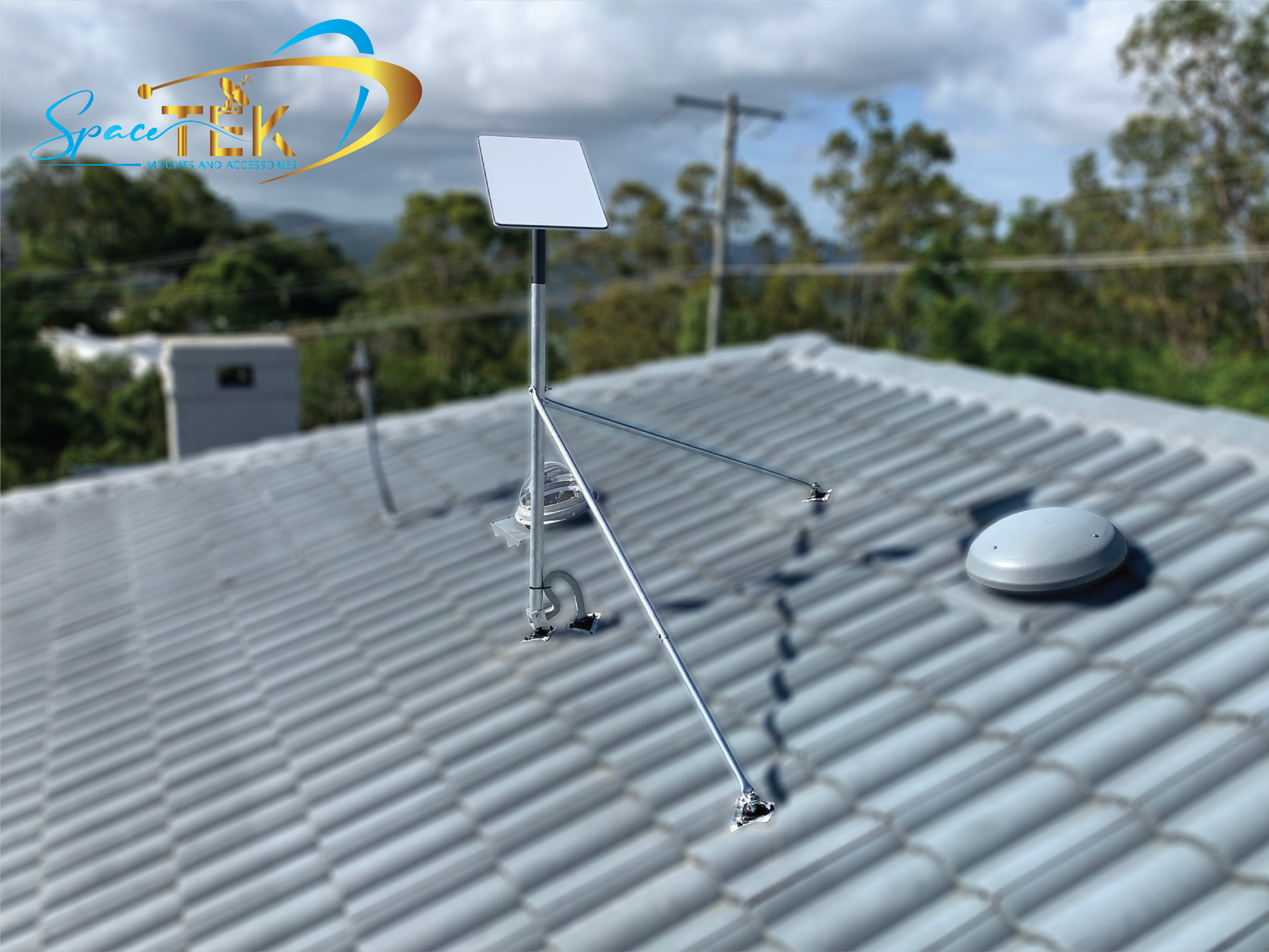
When travelling across regional Australia, elevating your Starlink Mini on a mast can help bypass campsite obstacles, neighbouring caravans, and tree canopies, provided the setup is stationary, stable, and confirmed as compatible by the current product documentation. Choose a purpose-built mount whose current documentation confirms suitability for your terminal and vehicle.
For off-grid power, follow the current Mini power-supply instructions and confirm compatibility before buying accessories. To check currently sold off-grid options, explore SpaceTek’s specialised Starlink Mini accessories.
How Can You Elevate Off-Grid with the Carbon Fibre Telescopic RV Mount?
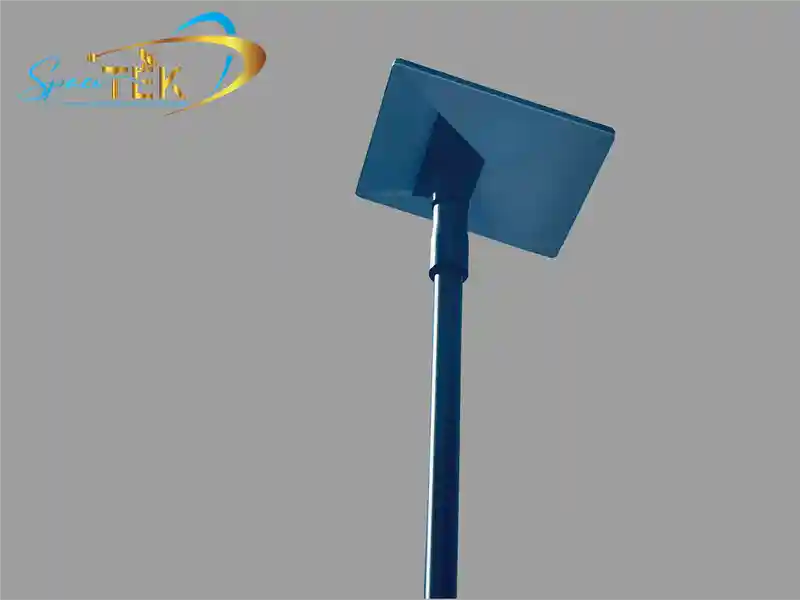
For travellers seeking extra elevation with minimal weight, a carbon fibre telescopic RV mount may provide a practical off-grid platform when its current product page confirms availability, Starlink Mini compatibility, extension range, and vehicle suitability.
Check the current product listing before buying for details such as:
- Confirmed Starlink Mini compatibility
- Confirmed extension range and pack-down length
- Mast and mounting-component materials stated by the supplier
- Any available configuration options for different caravan, camper, or vehicle layouts
Can You Use a Starlink Mini Pole Mount on a Moving Vehicle?
Standard pole mounts and telescopic masts are designed for stationary deployment when parked or camping, unless the manufacturer explicitly states otherwise. Operating an elevated mast on a vehicle in motion is unsafe and can expose the hardware, vehicle, and nearby people to severe aerodynamic forces.
Do not use a pole-mounted Starlink Mini while driving unless Starlink and the mount manufacturer specifically approve that exact in-motion setup.
Frequently Asked Questions About Starlink Mini Pole Mounts
How Do You Ensure Pole Stability in Windy Conditions?
- Follow Manufacturer Limits: Check the current Starlink and mount documentation for wind, height, and surface guidance before setting up.
- Use a Stable Base: Set up only on a suitable stationary vehicle, mast, or surface that the product maker confirms is appropriate.
- Avoid Improvised Fixes: Do not rely on ad hoc tie-downs, makeshift fasteners, or untested modifications where safety depends on the mount holding securely.
- Pack Down When Conditions Change: If wind, storms, or site conditions become unsuitable, lower and secure the dish mount rather than pushing the setup beyond its documented limits.
How Do You Remove the Starlink Mini from the Mount?
To detach the dish for transport or storage:
- Power down the system according to the Starlink and power-supply instructions.
- Disconnect the power cable only as described by the manufacturer.
- Release the approved mount latch or retention mechanism.
- Remove the Starlink Mini terminal carefully from the mount.
- Pack down the pole or mast according to the mount maker’s instructions.
What Troubleshooting Steps Fix Power or Connection Issues?
If your dish fails to establish a connection after mounting:
- Check that the power connector is fully seated and undamaged.
- Confirm your power source and any DC-to-DC equipment are compatible and operating as described in the product documentation.
- Open the Starlink app to inspect live alignment feedback, obstruction reports, or diagnostic alerts.
- Power-cycle the system only using the manufacturer’s recommended process.
- Check for any physical obstructions that may have moved into the dish's field of view.
Conclusion
Elevating your dish with a dedicated dish mount can help minimise local obstructions and support clearer sky visibility for satellite internet across Australia. Before buying or installing, confirm that your Starlink Mini, pole, dish mount, power setup, and vehicle layout are all compatible with the latest Starlink and SpaceTek product guidance.
Explore SpaceTek’s complete range of Starlink mounts to compare currently available hardware for your travels, and seek qualified local installation support where the job involves vehicle modification, electrical work, roof access, or other safety-critical tasks.

Leave a comment
This site is protected by hCaptcha and the hCaptcha Privacy Policy and Terms of Service apply.