
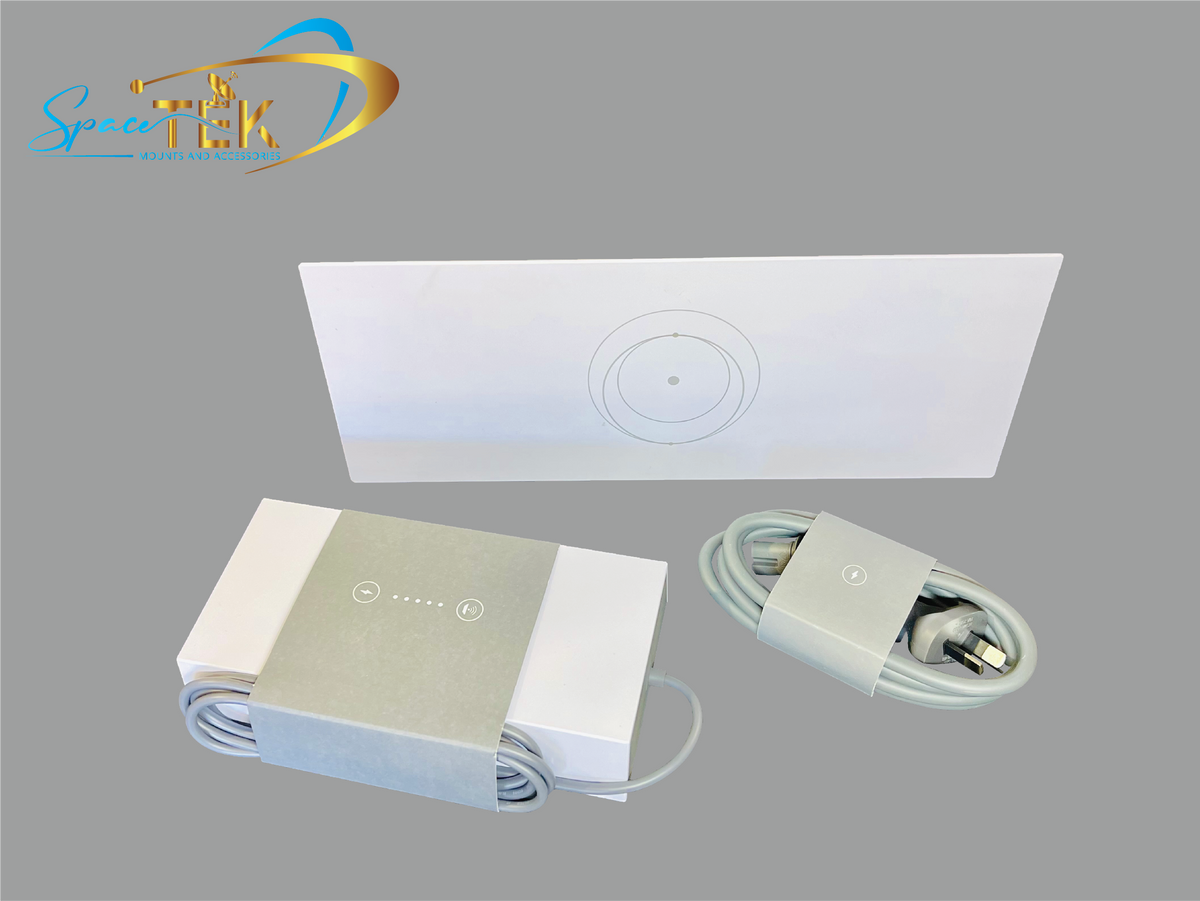
Starlink mesh router distance matters when you are trying to improve Wi-Fi coverage throughout a home or workspace. There is no universal maximum distance because performance depends on the building layout, construction materials, interference, router model, node placement, and the devices being used. In practical terms:
- Mesh systems can extend Wi-Fi beyond the area served well by a single router.
- Each node must still receive a sufficiently strong signal from the router or another compatible node.
- Walls, floors, metal surfaces, appliances, and neighboring networks can reduce usable range.
Starlink can provide internet access in locations where wired broadband options are limited, but the connection from the dish does not guarantee strong Wi-Fi in every part of a building. Large homes, multistory layouts, detached workspaces, and properties with dense walls may need additional network equipment.
A well-planned mesh system can help distribute that connection more evenly. Results vary, however, and outdoor spaces such as patios, garages, and workshops may require different placement or a wired connection rather than simply adding another indoor node.
This article explains how layout, distance, and interference affect Starlink mesh range and how to test potential node locations. Starlink hardware, app features, and supported configurations can change, so confirm compatibility and current setup instructions for your equipment in the Starlink app or official support materials.

Understanding Starlink Mesh Systems
Mesh Wi-Fi uses multiple access points, commonly called nodes, to provide network coverage across a larger or more complex space than one router may cover effectively. The nodes work together under one network name, although the way traffic travels between them depends on the hardware and configuration.
Coverage Across Your Space
A mesh system can help cover areas such as basements, upper floors, garages, or home offices. It does not automatically eliminate every dead zone: each node needs a good connection back to the network, and coverage through exterior walls or into detached structures can be especially difficult. A wired Ethernet connection between access points, when supported and practical, may provide more consistent performance than a wireless link.
Seamless Connectivity
Compatible mesh systems are designed to let devices move between access points on the same network. The device and mesh system decide when to switch nodes, so a phone or computer may not always connect to the physically closest node immediately.
Starlink mesh router distance should therefore be judged by signal quality and performance, not by distance alone. A node placed too far away may show a Wi-Fi network but deliver poor speeds or an unstable connection because its link back to the router is weak.
Before buying additional nodes, test the areas where coverage is poor and identify the walls, floors, appliances, or metal objects between those areas and the router. SpaceTek offers Starlink-compatible mounting and cable-management accessories that may help with the dish and cable side of an installation, but these accessories do not determine indoor mesh range.
Need a Gen 2 replacement router or mesh node? If you use a compatible Starlink Gen 2 system, see the Starlink Gen 2 Router UTR-211. For broader whole-home Wi-Fi expansion, compare the D-Link Aquila Pro AI Wi-Fi 6 Mesh System.

The most reliable setup usually comes from testing one change at a time. Move a node closer to the router, check performance in the target room, and then adjust its location as needed.
Starlink Mesh Router Distance
Optimizing a Starlink Mesh Setup
There is no single recommended number of feet between every Starlink router and mesh node. An open-plan wood-frame home may allow a longer link than a building with masonry walls, foil insulation, concrete floors, or metal siding. Hardware generation also matters, so verify which Starlink router and mesh products are compatible with your kit before purchasing or pairing equipment.
Starlink Router Generations: What You Need to Know
Starlink has supplied different router generations with different wireless standards, ports, and accessory requirements. Newer does not automatically mean a specific coverage area in every home. Published square-foot estimates, where available, are best treated as general guidance under favorable conditions rather than a guarantee.
Check the label or account details for your exact hardware, then consult current Starlink documentation for supported mesh nodes, Ethernet connectivity, and app-based setup steps. Third-party mesh systems may require a wired connection, an adapter, or a particular router configuration depending on the Starlink kit.
Dish Placement and Wi-Fi Coverage Are Different
The Starlink dish needs a clear view of the sky, while the router and mesh nodes need suitable locations inside the networked space. Improving dish placement may reduce satellite obstructions, but it will not necessarily fix an indoor Wi-Fi dead zone. Likewise, moving a mesh node will not correct a blocked dish view.
Use the Starlink app's available obstruction and network tools for their intended purposes, noting that app menus and features may vary by hardware and software version. A secure, compatible mount can help maintain dish positioning, but no mount can guarantee a particular service speed or Wi-Fi range.
Reducing Signal Loss and Interference
Place mesh nodes in open, elevated locations rather than inside cabinets, behind televisions, or next to large metal objects. Avoid assuming that the farthest possible outlet is the best location. A node usually works better between the main router and the dead zone, where it can receive a strong signal and pass that connection onward.
Starting roughly one or two rooms away may be a useful test in some homes, but it is not a fixed rule. Floors, walls, and construction materials can make a shorter path perform worse than a longer open path. If supported by your mesh equipment, a wired backhaul can reduce reliance on the wireless link between nodes.
SpaceTek Accessories for Your Setup
SpaceTek Australia is the company behind the SpaceTek range of Starlink-compatible mounts and installation accessories. Available products and compatibility can vary by market and Starlink generation, so check the relevant product description before ordering. Mounting and cable-management products can help secure the outdoor portion of an installation, but mesh coverage still depends on the router, nodes, layout, and local interference.

After positioning each node, test both signal quality and real application performance. A speed test can be useful, but also check video calls, streaming, file transfers, and other activities that matter in that part of the property. Remember that Starlink service performance itself can vary with plan, location, congestion, weather, obstructions, and other factors.
Improving Starlink Performance in Remote Areas
For homes and businesses in remote areas, reliable connectivity can support education, telehealth, work, and communication. Starlink may be one available option where terrestrial services are limited, subject to service availability, the selected plan, and local conditions.
Remote Communities and Connectivity
Low Earth orbit satellite systems can offer different latency and performance characteristics from older geostationary satellite services. Actual Starlink performance is not fixed, however, and a mesh network cannot increase the capacity delivered by the Starlink service. It can only help distribute the available connection around the local property.
Environmental and Building Factors
Heavy precipitation, dish obstructions, network congestion, and local Wi-Fi interference may affect the user experience. Wind is primarily an installation and mounting concern: the dish and mount must be installed securely and in accordance with the relevant hardware instructions and local requirements.
Indoor construction matters too. Concrete, masonry, metal siding, radiant barriers, mirrors, appliances, and utility areas can weaken Wi-Fi. In detached buildings, a properly designed wired or point-to-point network link may be more suitable than expecting an indoor mesh node to reach across an open yard.
Getting the Most From the Available Connection
Do not use one historical speed result as a promise of what a current Starlink setup will deliver. Speeds and latency can vary by service plan, region, time of day, network demand, weather, dish visibility, hardware, and Wi-Fi conditions.
A secure dish installation, appropriate cable routing, and sensible router placement can remove avoidable problems, but they cannot guarantee a specific speed or uninterrupted service. Diagnose satellite obstructions and indoor Wi-Fi coverage separately so that the correct issue is addressed.
Next, we answer common questions about Starlink mesh range and node placement.
Frequently Asked Questions About Starlink Mesh Range
How far can a Starlink mesh router reach?
There is no dependable universal range in feet. Wi-Fi may travel several hundred feet in an unobstructed outdoor test, but that figure is not a useful promise for an occupied home. Walls, floors, furniture, interference, antenna orientation, client devices, and router generation can reduce the usable range substantially.
Instead of planning around a maximum distance, place the first node where it still receives a strong connection from the main router and then test the target area. Move it closer if the mesh link is weak or performance is inconsistent.
How far apart can you place mesh routers?
Place nodes close enough to maintain a good link to the network while extending coverage toward the problem area. One or two rooms apart can be a reasonable starting test in some buildings, but it should not be treated as a guaranteed or maximum spacing.
For multistory homes, experiment with stairwells, hallways, and open landing areas where the signal may pass between floors more easily. Keep nodes near suitable power outlets and away from enclosed cabinets or large sources of interference. Use any network-status or placement guidance available for your current Starlink hardware and app version, and confirm the result with your own devices.
How far will a Starlink router transmit?
The answer depends on the specific router generation, frequency band, building, and receiving device. Some Starlink routers support newer Wi-Fi standards and wired Ethernet directly, while others may have different port or adapter requirements. Confirm the specifications of your exact equipment rather than assuming every Starlink router has the same Wi-Fi standard, band configuration, or ports.
For a large home or detached space, consider compatible mesh nodes, a third-party network system, or wired access points. The best choice depends on hardware compatibility, the ability to run cable, building construction, and the coverage required. See our guide to why a Starlink mesh Wi-Fi router or extender may be useful for additional considerations.
Accessories for Secure Starlink Installations
SpaceTek Australia develops Starlink-compatible mounting and installation accessories. These products are separate from Starlink's service and mesh networking equipment, and they should be selected for the exact dish generation and installation environment.
Depending on the product, the SpaceTek range may include:
- Mounting solutions: Compatible products intended to hold supported Starlink hardware securely when correctly selected and installed.
- Positioning options: Mount types that may help locate the dish where it has a clearer view of the sky, subject to site conditions and installation requirements.
- Cable-management accessories: Products intended to route or protect compatible cables as described in their individual specifications.
These accessories can support a tidy and secure installation, but they do not guarantee Starlink availability, service speed, mesh range, or uninterrupted connectivity. Always review current compatibility information and use an appropriate installer where the work involves roof access, structural attachment, electrical work, or other safety risks.
Explore our Starlink accessories guide to learn more about planning a compatible setup.


Leave a comment
This site is protected by hCaptcha and the hCaptcha Privacy Policy and Terms of Service apply.