

Why Do You Need a Starlink Overvoltage Protection Kit?
Protecting Starlink from overvoltage is all about layered defence: clean up the incoming power, protect the data line, earth the Starlink mount properly, and use regulated DC power where it makes sense.
Key Takeaways
- A proper Starlink overvoltage protection setup helps reduce the risk of damage from storm activity, unstable mains power, generator spikes, and caravan park power issues.
- Standard power boards are not enough on their own because surges can also travel through outdoor Ethernet and PoE pathways.
- The most reliable approach combines surge protection, data-line arrestors, solid earthing, and battery backup with Automatic Voltage Regulation.
- For touring, camping, and off-grid setups, StarPower DC power supplies are generally the smarter option than AC inverters because they are more efficient, draw less power, and can bypass the Starlink router for custom installations.
- SpaceTek Australia’s Starlink surge protection guide explains how to reduce risk across Australian rooftops, caravans, 4x4s, and remote sites.
When lightning hits nearby or power quality gets rough, the goal is to give that extra electrical energy a safer path away from your Starlink hardware. A dedicated Starlink overvoltage protection kit helps isolate sensitive gear before a spike turns into an expensive outage.
How Do You Choose the Right Starlink Overvoltage Protection Kit?
Selecting effective hardware comes down to a few practical details:
- Energy absorption: Look for multi-stage surge suppression that can handle repeated grid spikes.
- Fast response: Protection components need to react quickly on data lines and power lines.
- Sensible clamping: The protection circuit should activate above normal operating conditions before excess voltage reaches sensitive electronics.
- Dual-stage suppression: Better setups use a combination of fast clamping components and rugged discharge protection across both power and data pathways.
Which Australian Setups Are Most at Risk?
A direct lightning strike can overwhelm standard protection gear, but a lot of storm damage comes from induced current. That happens when nearby lightning creates a strong electromagnetic field that pushes unwanted voltage through elevated Starlink mounts and longer outdoor cable runs.
Different Australian environments create different electrical headaches:
- Residential roof setups: Storm activity, nearby lightning, and grid switching can all create transient surges, so a low-resistance earth path matters.
- Caravans and 4x4s: Caravan park pedestals, inverter noise, and vibration can stress power supplies, so good chassis earthing and secured connections are important.
- Off-grid remote sites: Generators and battery systems can fluctuate under changing loads, so regulated power and a combined station earth help keep things stable.
Caravan parks can be especially unpredictable. Shared electrical pedestals may deliver voltage sags or poor earthing, which can strain internal power circuitry. Good bonding, isolation, and regulated power make the whole setup more dependable.
How Do You Protect Starlink from Overvoltage in 5 Steps?
A strong setup uses more than one layer of protection. Instead of hoping one device catches everything, you protect each pathway that a surge could use to reach your Starlink equipment.
Our guide to fixing Starlink power issues covers the broader causes of dropouts and power faults, but overvoltage protection starts with these five practical steps. Starlink’s Performance Kit durability guide also shows why outdoor satellite hardware needs to be treated as weather-exposed electrical equipment, not just another indoor router.
Step 1: Protect the AC Power Line
Start where mains power enters the setup. Plugging the Starlink power supply straight into an unprotected outlet leaves it exposed to grid switching, storm-related spikes, and rough generator output.
A quality UPS or surge protection unit helps condition incoming power before it reaches your Starlink hardware. This first layer absorbs sudden spikes, smooths out unstable supply, and reduces the chance of repeated reboot cycles after power events.
Step 2: Add Ethernet and PoE Data-Line Surge Protection
Power is only half the story. Because the Starlink dish sits outdoors, unwanted voltage can travel down the data cable and into your indoor network equipment.
A shielded RJ45 surge arrestor installed inline helps protect data pairs and PoE lines from transient spikes. The aim is simple: divert induced current away from your router, switches, and Starlink equipment before it can cause damage.
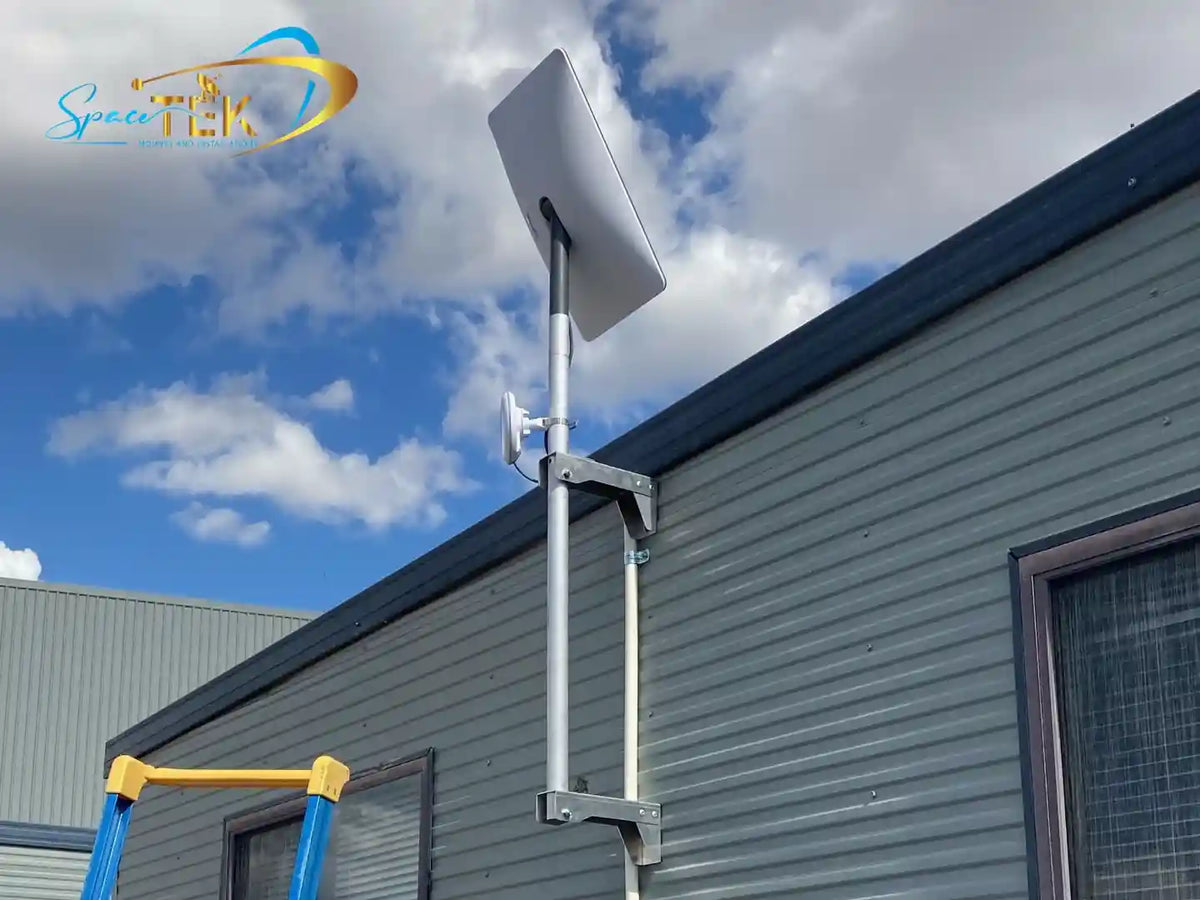
Step 3: Earth the Outdoor Starlink Mount Properly
Elevated metal structures can collect static charge and induced storm energy. If that energy has no safe path to earth, it may try to travel through the cable instead.
- Run a suitable copper bonding wire from the metal Starlink mount to the main earthing system or an approved earth electrode.
- Make sure earthing clamps have firm, clean metal-to-metal contact.
- Follow Australian electrical rules and use a licensed electrician where required, especially for fixed building installations.
Step 4: Use Battery Backup with Automatic Voltage Regulation
Not every power issue is a dramatic surge. Brownouts, voltage sags, and dirty mains power can still force Starlink to reboot, which means waiting for the dish to reconnect and settle again.
A UPS with Automatic Voltage Regulation keeps the incoming supply steadier without switching to battery for every small fluctuation. During a bigger power event, it gives Starlink backup power so your connection has a much better chance of staying online.
Step 5: Choose Regulated DC-to-DC Power for Off-Grid Setups
For touring vehicles, boats, caravans, and off-grid shacks, running Starlink through an AC inverter can add conversion loss, electrical noise, and extra standby drain.
StarPower V2 and V3 DC power supplies are generally the better option than AC inverters because they are more efficient, draw less power, and can bypass the Starlink router for custom setups. Adding a resettable circuit breaker also helps protect the DC supply line from severe current faults and reverse polarity problems.
What Changes Between Residential and Mobile Starlink Setups?
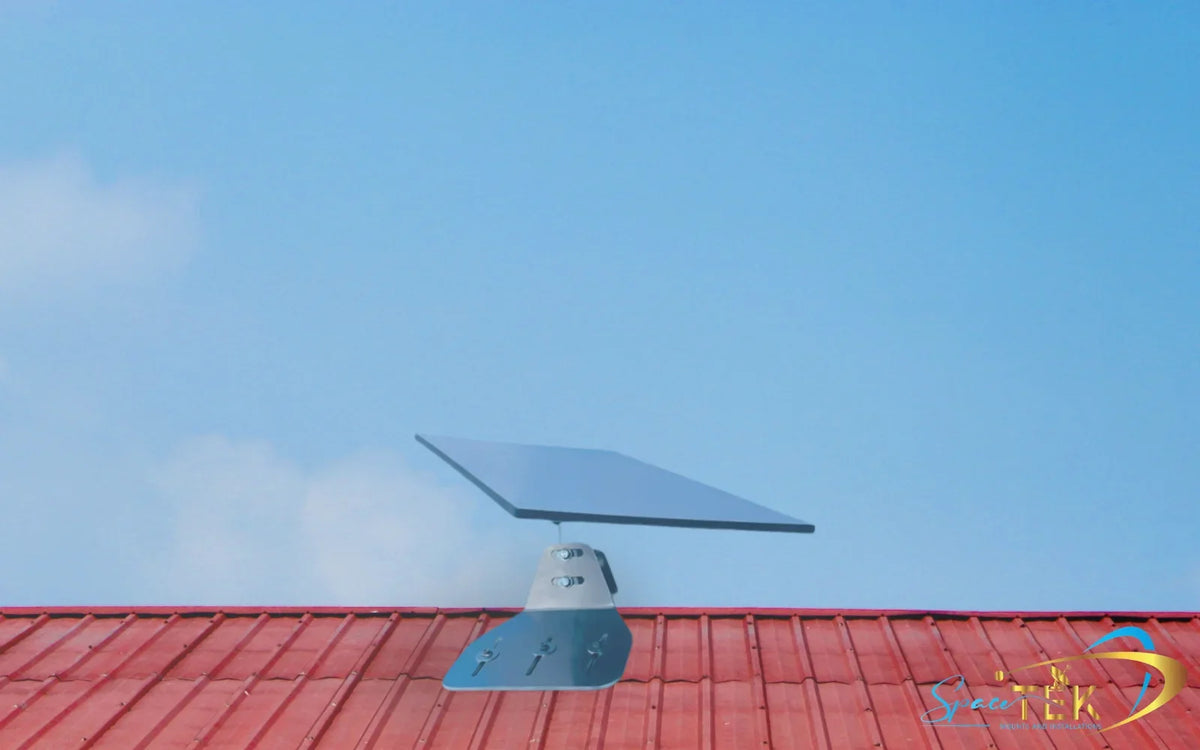
A permanent roof installation has different risks from a 4x4 canopy, caravan, boat, or remote mobile trailer. The right Starlink overvoltage protection kit should match where and how you use the service.
What Matters for Residential and Fixed Roof Installations?
Fixed residential setups need to handle long-term exposure to weather, coastal salt air, and seasonal storm activity:
- Structural earth bonding: Starlink mounts should be bonded to the main electrical earth using suitable conductor sizing.
- Weatherproof cable entries: Roof and wall penetrations need drip loops and sealed entry points so water does not compromise surge protection gear.
- Corrosion-resistant hardware: Precision-machined or folded aluminium and reinforced composite Starlink mounts help avoid rust-related earthing issues over time.
What Matters for Caravans, 4x4s, and Off-Grid Systems?
Mobile installations deal with vibration, varied charging sources, and unpredictable caravan park supply:
- Chassis earth return: Bond external mount fixtures to the vehicle chassis to reduce static build-up during travel.
- Native DC regulation: Use high-efficiency DC-to-DC power systems that reduce AC conversion losses while regulating power from lithium or AGM battery banks.
- Vibration resistance: Secure terminals, fuses, and arrestors inside rugged, moisture-resistant enclosures for corrugated roads and rough tracks.
What Should You Check After a Storm?
- Inspect outdoor Starlink mounts and check that earth bonding clamps are tight and free from corrosion.
- Check indicator lights on AC surge protectors and UPS units to confirm protection circuits are still active.
- Look over the outdoor cable jacket for chafing, pinching, heat marks, or other signs of damage after severe storm activity.
- Test inline DC circuit breakers and reset switches so the off-grid power circuit is ready for the next trip.
What Do People Ask About Starlink Surge Protection?
Can a Standard UPS Protect Starlink from Lightning-Induced Surges?
A standard UPS can help with everyday line conditioning and routine utility spikes, but it should not be treated as complete lightning protection. A safer setup uses several layers together: AC surge protection, a properly earthed Starlink mount, and inline Ethernet or PoE surge protection to clamp transients before they reach the hardware.
What Grounding Standards Apply to Starlink Installations in Australia?
Outdoor antenna and Starlink mounts should be earthed in line with Australian wiring rules. In plain English, that means using a suitable earth conductor from the mount to the main electrical earthing system or an approved earth electrode, with a low-resistance path that helps direct unwanted electrical energy into the ground.
Is DC-to-DC Power Safer Against Surges than Using an Inverter?
For mobile and off-grid use, DC-to-DC power is usually the smarter choice. StarPower V2 and V3 DC power supplies are superior to AC inverters because they are more efficient, draw less power, and can bypass the Starlink router for custom setups, while also avoiding some of the noise and instability that can come from inverter-based systems.
Build a Safer Starlink Setup for Australian Conditions
Good overvoltage protection is not about one magic box. It is about building a practical, layered system that protects mains power, data lines, outdoor mounting hardware, and off-grid power sources at the same time.
At SpaceTek Australia, we build precision-machined and folded aluminium Starlink mounts, advanced DC power converters, and robust accessories for harsh Australian conditions. If you want a tougher, cleaner setup, contact SpaceTek Australia for help choosing gear that suits how and where you use Starlink.

Leave a comment
This site is protected by hCaptcha and the hCaptcha Privacy Policy and Terms of Service apply.