
Why matching your Starlink power supply cable specs matters
Choosing the right Starlink power supply cable comes down to matching your Starlink generation, connector type, and power source. Get that right, and your dish has a much better chance of staying powered reliably at home, on the road, or out in the bush.
Key Takeaways
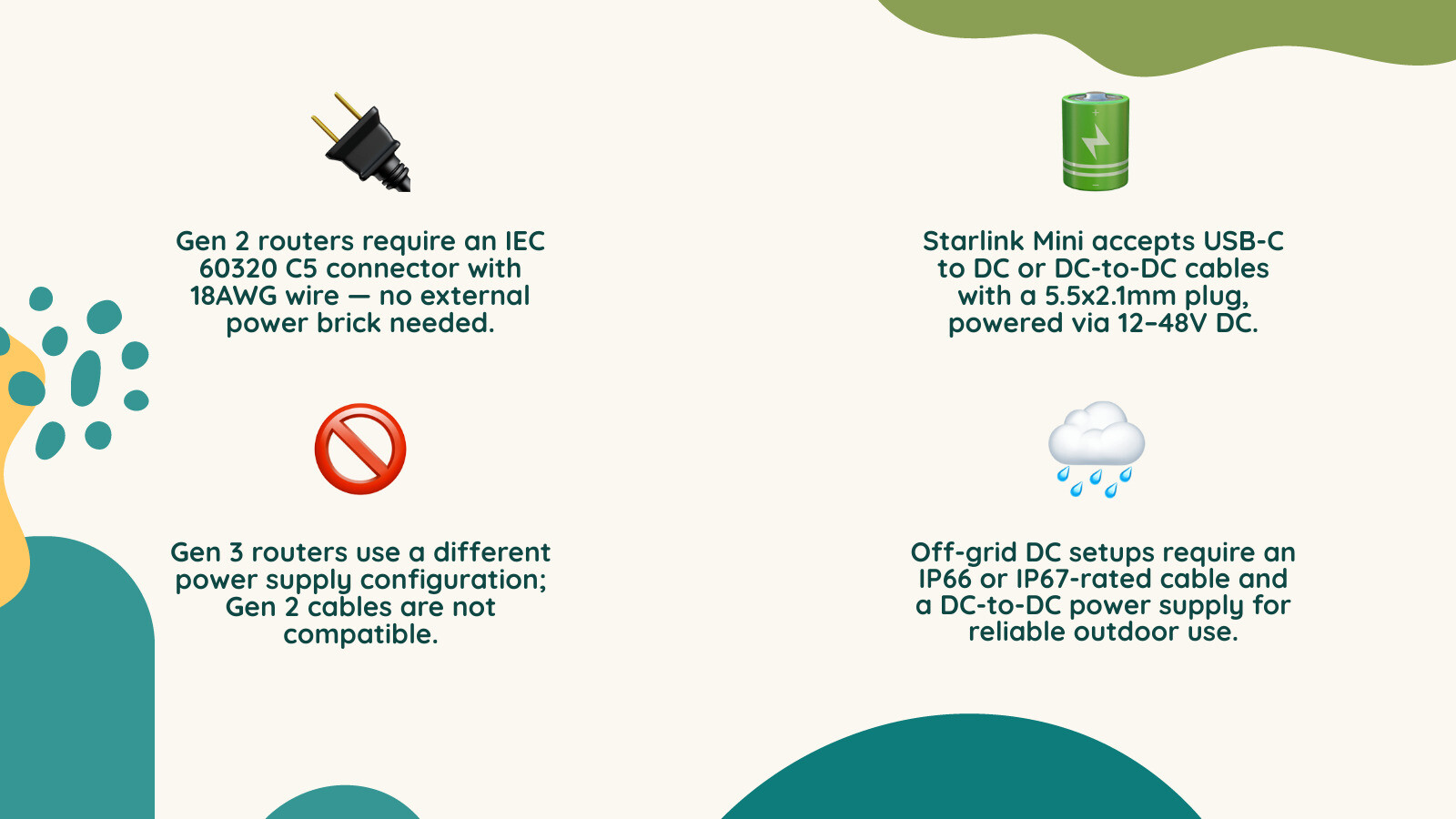
- Gen 2 Starlink routers use an IEC 60320 C5 power cable, often called a cloverleaf or Mickey Mouse lead.
- Starlink Mini setups can suit USB-C to DC or DC-to-DC cables when the power source and cable are properly matched.
- Gen 2 and Gen 3 power setups are different, so you should not assume cables are interchangeable.
- Off-grid DC setups can be a better option than AC inverters because they are more efficient, draw less from your battery, and can bypass the Starlink router in custom setups.
- Heavy-duty cable construction, weather-resistant fittings, and the correct plug shape matter in harsh Australian conditions.
Each Starlink generation has distinct power requirements, and third-party replacement cables vary significantly in build quality. For anyone travelling through regional Australia, a cable that fails due to poor insulation or undersized wiring is not just annoying. It can mean days without reliable internet while you wait for a replacement.
The good news is that once you know your router generation and the key specs to look for, finding a reliable replacement or upgrade cable is straightforward.
How do you choose the right Starlink power supply cable for your setup?
What should you know about Gen 2 Starlink power supply cable specs?
The Gen 2 Starlink router has its power supply built directly into the router housing. That means it does not use a separate external power brick. Instead, it connects to your wall outlet with a standard AC power lead.
When you are looking for a replacement Starlink power supply cable for a Gen 2 setup, focus on the physical fit and overall cable quality:
- Connector type: The router base has a recessed socket that needs an IEC 60320 C5 connector, often called a cloverleaf or Mickey Mouse plug.
- Wire quality: Choose a heavy-duty copper cable that can deliver stable power without unnecessary resistance.
- Cable jacket: A rugged, weather-resistant jacket is ideal if the lead may be used around caravans, sheds, garages, or outdoor-adjacent areas.
- Grounded plug: A 3-prong grounded plug helps protect sensitive satellite equipment from electrical issues.
Using an inferior or undersized cable can lead to voltage drop. In plain English, that means your router may struggle to supply consistent power to the dish, which can cause frustrating dropouts. For a broader overview of Starlink power setups, read our Starlink power supply guide 2026.
Which cable suits off-grid Starlink Mini use?
For campers, caravanners, and 4WD travellers, running Starlink Mini off-grid can make remote internet far more practical. Because Starlink Mini has a built-in DC input, it can run from compatible DC power sources without needing a traditional inverter-based setup.
When selecting a Starlink power supply cable for off-grid DC use, pay close attention to these practical details:
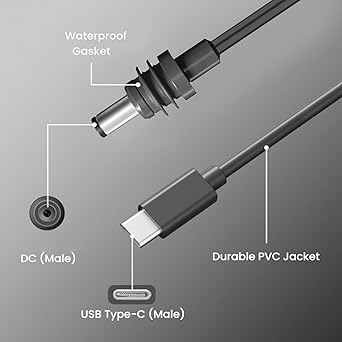
- USB-C to DC power delivery: If you want to run Mini from a portable power bank, use a cable designed to negotiate the correct power profile with that source.
- Wire quality: High-quality tinned copper wiring is a smart choice because it resists corrosion in coastal, humid, and dusty environments.
- Weather-resistant sealing: Outdoor connections should seal securely into the Starlink Mini power port to help keep dust and moisture out.
- Power source suitability: Your power source needs to handle startup and normal operation reliably, otherwise the dish may keep rebooting instead of staying online.
Understanding how to match your cable to your power source is the secret to a smoother off-grid setup. You can find more practical detail in our Starlink Mini power supply guide.
Should you use AC or DC power for Starlink off-grid?
Why does direct DC-to-DC power make sense?
If you are setting up a caravan, 4WD, or off-grid rig, you have probably wondered about the most efficient way to run your Starlink. Plugging the standard Starlink router into an AC inverter can work, but it is rarely the neatest or most efficient option.
Here is why many off-grid users move to a direct DC setup:
- Better efficiency: DC-to-DC power can reduce conversion losses compared with running through an AC inverter.
- Lower battery draw: A simpler power path helps preserve battery capacity when you are away from mains power.
- Custom setup flexibility: Bypassing the stock router allows you to run the dish directly from your battery system and use a travel router where suitable.
To make this transition easier, SpaceTek offers StarPower V2 and V3 DC power supplies for off-grid Starlink setups. These units are designed to support cleaner DC-to-DC power delivery, helping you keep your setup practical without relying on a bulky inverter path.
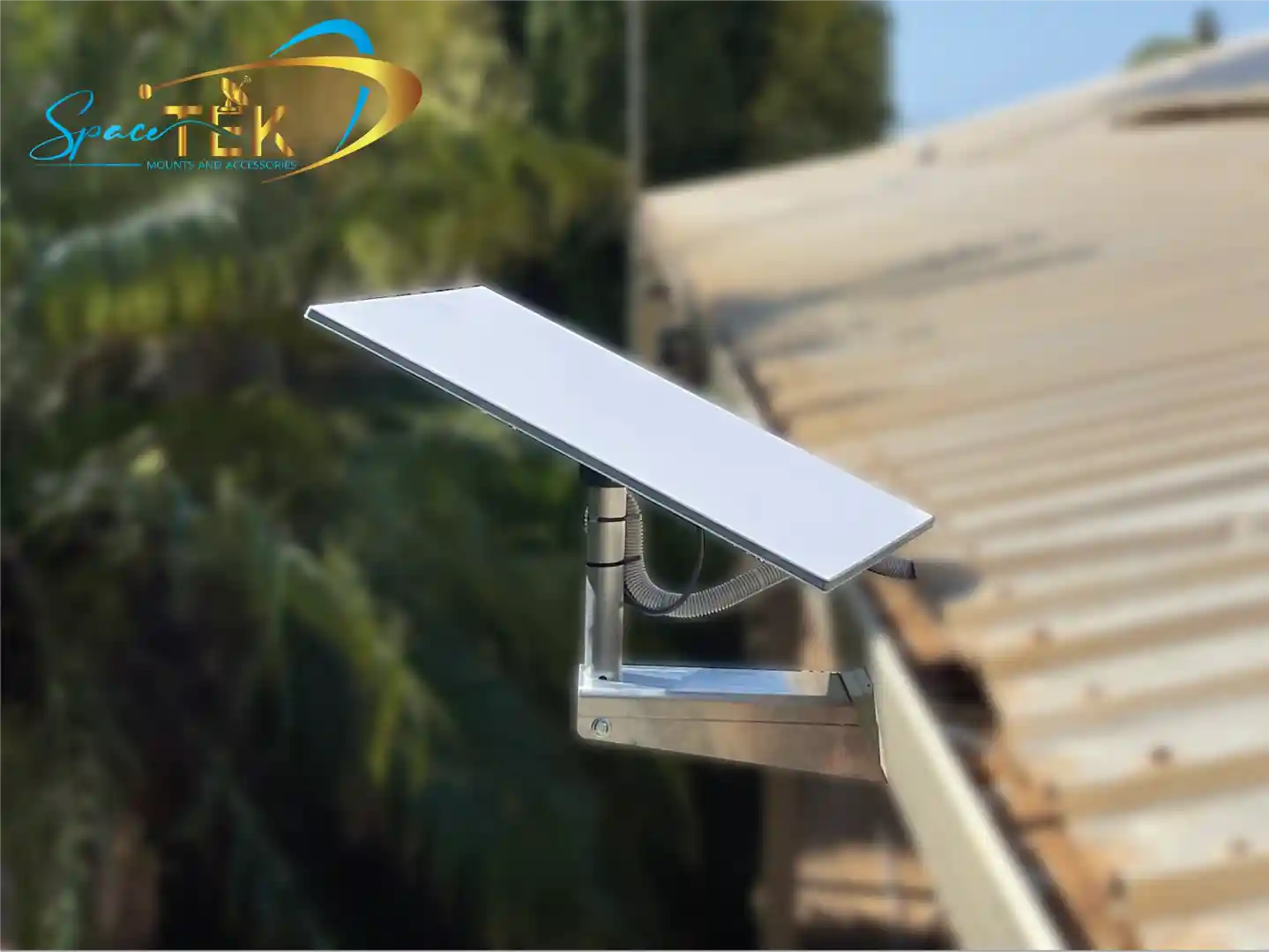
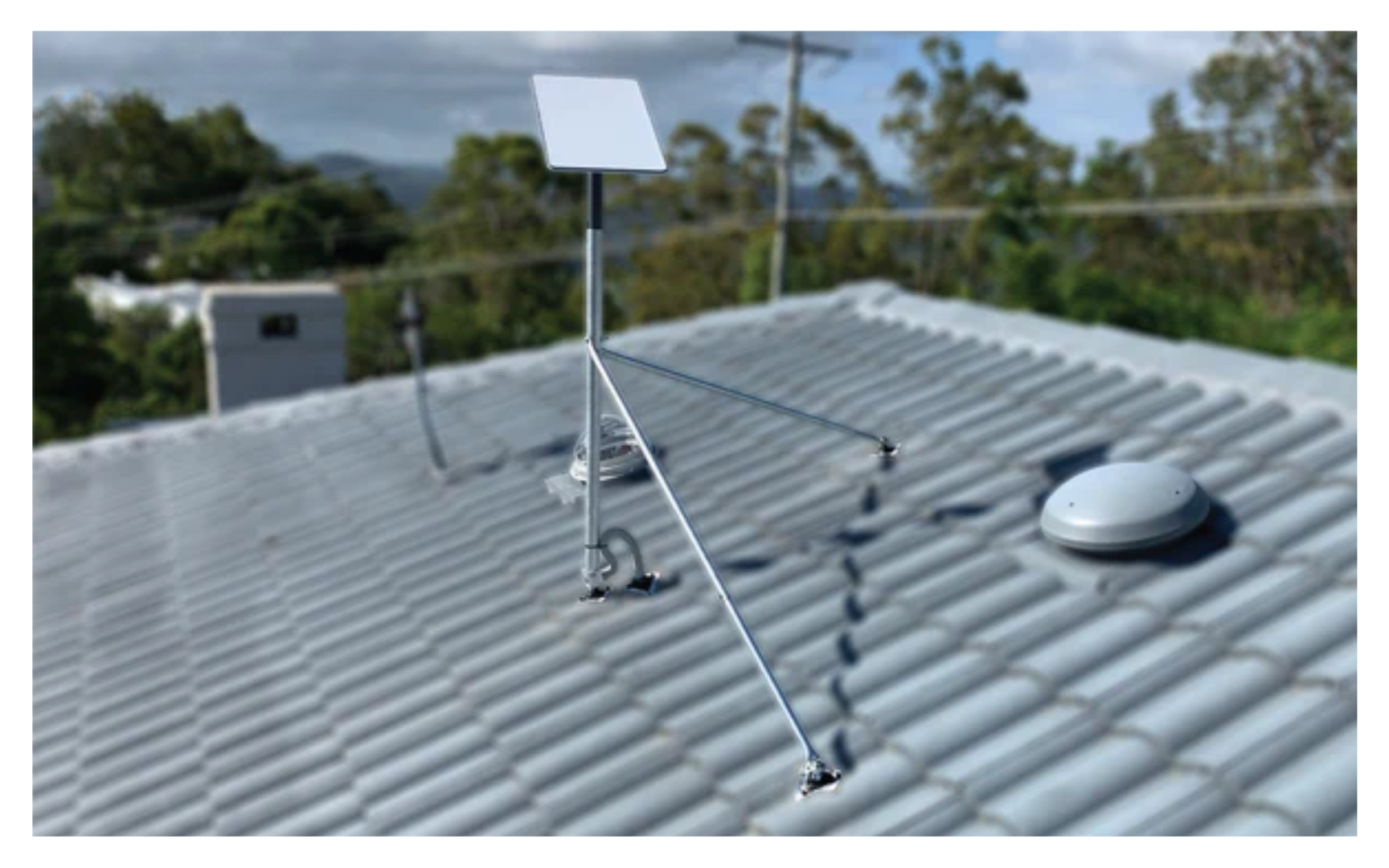
To keep the rest of your setup secure on the road, you can pair these power systems with SpaceTek precision-machined aluminium Starlink mounts, which are built to handle corrugated tracks, coastal air, and harsh Australian conditions.
For a complete breakdown of off-grid conversion, read our Starlink 12V power complete guide. You can also review the official DC-DC power supply specifications for source-level technical detail.
What technical specs matter most in a replacement cable?
Which wire and weatherproofing features should you look for?
Australia can be brutal on outdoor and mobile gear, from hot inland summers to salty coastal air and dusty tracks. Cheap, generic leads are often where Starlink reliability problems begin.
When shopping for a replacement Starlink power supply cable, look for these practical features:
- Heavy-duty copper core: Quality copper helps reduce resistance and supports more stable power delivery.
- Rugged outer jacket: A tough, weather-resistant jacket helps protect the cable from moisture, UV exposure, abrasion, and general wear.
- Tinned copper wiring: Tinned copper resists corrosion better than bare copper, which is useful around coastal areas and damp storage spaces.
- Suitable temperature rating: A quality cable should be built for the heat, cold, and everyday knocks that come with Australian travel.
Cheap cables with thin wire gauges and poor insulation can degrade quickly in high temperatures, leading to voltage drop and potential hardware trouble. Learn more in our article on why cheap Starlink cables fail in the heat.
Why does plug shape matter in tight spaces?
Sometimes, the physical shape of the plug matters just as much as the wiring inside. If your Starlink router is tucked away in a caravan cupboard, behind a television, or inside a crowded home entertainment unit, space gets tight fast.
A standard straight plug can stick out several centimetres and force furniture or cabinetry away from the wall. A low-profile flat plug can make the setup cleaner, safer, and easier to manage. Some designs also rotate, which lets you angle the lead neatly without putting strain on the outlet.
Also make sure the connector head is slim enough to seat properly into the recessed base of a Gen 2 router. A loose connection can cause heat, power interruptions, and long-term damage to the router power socket.
Common questions about Starlink power cables
Can you use a Gen 2 power cable with a Gen 3 router?
No. Gen 2 and Gen 3 Starlink routers use different power supply designs, so their power cables should not be treated as interchangeable.
The Gen 2 router has an internal power supply and uses a standard IEC 60320 C5 AC power cable. The Gen 3 setup uses a different power arrangement with separate power hardware, so you need the correct cable and power supply for that specific generation.
What should you check before running Starlink Mini from a USB-C power bank?
To run Starlink Mini successfully from a USB-C power bank, make sure your setup covers these points:
- Power delivery support: The power bank and cable need to support the right USB-C Power Delivery behaviour for the Mini.
- Startup reliability: The power source must cope with startup demand as well as normal running conditions.
- Cable suitability: Use a dedicated USB-C to DC cable designed for Starlink Mini, not a random charging lead.
If the power bank or cable cannot supply power consistently, Starlink Mini may keep rebooting instead of staying online.
Why do cheap third-party cables fail in extreme heat?
Cheap cables often use lower-grade conductors and insulation. In harsh heat, those materials can become less reliable, especially if the cable is carrying power for long periods.
As resistance and heat build up, the cable can suffer voltage drop, insulation damage, and intermittent power delivery. That is why a quality cable is worth choosing from the start, especially for caravans, sheds, coastal setups, and outback travel.
Getting reliable Starlink power in Australian conditions
Finding the right Starlink power supply cable is really about matching your hardware generation with durable, fit-for-purpose materials. Whether you are replacing a Gen 2 home lead or building a cleaner DC-to-DC setup for off-grid travel, connector type, cable quality, and weather resistance all matter.
At SpaceTek Australia, we help Aussies get more reliable performance from their satellite internet gear with Australian-designed Starlink accessories, premium power solutions, and precision-machined or folded aluminium and reinforced composite Starlink mounts.
Ready to upgrade your caravan, camping, or off-grid setup? Explore SpaceTek Australia's Starlink cables and accessories.

Leave a comment
This site is protected by hCaptcha and the hCaptcha Privacy Policy and Terms of Service apply.