
Choosing Your Window to the Web: Understanding Starlink's Hardware Options
The Starlink Standard versus Performance decision matters for households, businesses, and mobile users comparing SpaceX's satellite internet hardware. Both product families connect to Starlink's low-Earth-orbit satellite network, but the right choice depends on your installation, power budget, service plan, mobility requirements, sky visibility, and local conditions—not simply the highest advertised specification.
Quick Comparison: Standard vs Performance
- Standard Kit: Generally the practical starting point for fixed residential installations with a clear view of the sky.
- Performance-family hardware: Built for more demanding fixed or mobile applications, depending on the specific model, approved service plan, and installation.
- Key Difference: Performance models may provide a broader view of the sky and more installation flexibility, but they can also be larger, heavier, and more power-hungry than Standard hardware.
- Best Choice for Many Homes: A current Standard kit is usually the simpler option for everyday browsing, streaming, video calls, and remote work when the installation location has suitable sky visibility.
The Standard kit is a strong fit for many fixed residential applications with a clear view of the sky. Performance-family hardware is worth considering when the installation has more demanding requirements, such as an approved in-motion application, greater environmental exposure, or a business use case where hardware design and installation flexibility justify the additional size, power use, and cost.
Power requirements, physical dimensions, mounting method, environmental specifications, and the dish's view of the sky can differ by model. These details matter for off-grid systems, RVs, boats, exposed sites, and installations with limited mounting space. Always compare the specifications for the exact hardware revision you are purchasing rather than relying on figures for an earlier kit.
A Performance antenna may have a broader field of view than a Standard antenna, which can help it communicate with more of the visible sky. That does not eliminate the need for an unobstructed installation location, however. Trees, buildings, rooflines, and other obstructions can interrupt service with any Starlink model. At SpaceTek Australia, our experience with rural properties, coastal environments, and mobile setups informs the mounting products we design, but every site still needs its own obstruction and installation assessment.
Starlink Standard vs Performance: A Detailed Breakdown
Choosing the right Starlink hardware is an important part of optimizing your internet setup. The following sections explain the practical distinctions between Standard and Performance-family equipment without assuming that one model is best for every user.
Core Hardware Comparison
Performance-family antennas are generally intended for more demanding applications and may be physically larger and heavier than Standard hardware. Their size, weight, cable routing, and wind exposure can require a more substantial mounting solution. Confirm the dimensions, mast or mounting interface, fasteners, and structural requirements for your exact dish before selecting a mount.
Power consumption is another key factor, especially for off-grid or mobile setups. Performance equipment generally requires more electrical capacity than Standard hardware, but actual consumption varies with the model, operating conditions, and system activity. Size batteries, inverters, wiring, and generators using the current specifications supplied with your exact kit.
Hardware availability and eligibility can vary by market, service address, and plan. Do not assume that a particular dish is included with, or can be activated on, a Residential, Roam, Priority, Mobile, or Maritime offering solely because it was previously associated with that plan name. Check the current options presented in your Starlink account or ordering flow before purchasing hardware or accessories.
Current Standard hardware may include integrated Ethernet connectivity and newer Wi-Fi capabilities, while earlier Standard systems can require different adapters or cables. Router features, supplied components, and compatibility vary by kit revision. You can explore Starlink parts and accessories from SpaceTek, but verify the dish generation and connector type shown on each product page before ordering.
Performance Metrics: How Do Starlink Standard and Performance Speeds Compare?
Both Standard and Performance-family equipment can provide broadband connectivity where a suitable Starlink service is available, but hardware alone does not determine the result.
Download and Upload Speeds: Real-world throughput varies with the active service plan, local network demand, geographic location, sky visibility, weather, Wi-Fi conditions, and Starlink network management. Performance hardware should not be treated as a guarantee of a particular download or upload speed. Its practical value is more likely to come from hardware characteristics suited to demanding installations than from a universally higher speed result.
Latency: Latency also changes with network routing, congestion, location, service conditions, and the application being used. Either hardware family may be suitable for video calls, cloud applications, and other interactive tasks, but no fixed latency should be assumed for every site or time of day.
Field of View and Obstruction Handling: Some Performance antennas are designed to view more of the sky than Standard hardware. That can be useful at challenging sites or while operating in an approved mobile configuration, but it does not make obstructions irrelevant. Use the Starlink app's obstruction tool at the proposed installation point and prioritize a clear view of the sky. You can review model-specific details in Starlink's official specifications; also confirm that the document applies to the exact hardware offered in your account.
Weather Resistance & Durability in Different Conditions
Starlink equipment is designed for outdoor use, but environmental ratings and operating limits vary by model and revision. Conditions across the United States range from coastal salt exposure and desert heat to snow, ice, heavy rain, and high winds, so the installation should be assessed for its actual site rather than a broad regional label.
Standard hardware may be appropriate for many residential installations when it is mounted and operated within the manufacturer's current limits. Before installation, check the exact kit's environmental rating, operating-temperature range, snow-melt guidance, wind limitations, grounding requirements, and installation instructions. A product rating does not replace a properly engineered mount or compliance with applicable building and electrical requirements.
Performance-family hardware may carry different environmental specifications and may be selected for exposed or operationally demanding sites. It should not, however, be described as storm-proof or guaranteed to maintain service through severe weather. Rain, snow, ice, wind, heat, power interruptions, and satellite visibility can affect service. For portable installations, explore our RV and portability mounts, then confirm model compatibility and whether the intended use is permitted under your Starlink plan.
The Right User for the Right Dish: Starlink Standard vs Performance Use Cases
Matching the dish to the application simplifies the decision.
Residential Users: For many households in rural, suburban, or otherwise underserved locations, a Starlink Standard kit is the practical choice. It can support common household activities, subject to the selected plan, local capacity, Wi-Fi design, and network conditions. A clear view of the sky remains one of the most important installation requirements.
Business & Power Users: Performance-family hardware may suit businesses, field operations, and other demanding installations where power capacity, mounting strength, equipment design, and service continuity requirements have been assessed. Hardware selection should be considered alongside the service plan, backup connectivity, network equipment, and the operational impact of an outage.
Mobile Use (RVs, Boats, and Field Operations): Flat High Performance hardware has been offered for approved in-motion applications. A portable Standard dish and a dish authorized for use while a vehicle or vessel is moving are not the same thing. Confirm current Starlink plan eligibility, geographic restrictions, mounting instructions, and in-motion authorization before using any dish on an RV, vehicle, or boat.
Geographically Challenging Locations: Performance hardware may be worth evaluating where a site has limited sky visibility or significant environmental exposure. It is not a substitute for good placement: if trees, buildings, terrain, or roof structures block the required view, relocating or elevating the antenna may deliver a better result than changing hardware alone.
Installation, Power, and Networking Considerations
Correct installation is essential for reliable operation. Starlink kits are designed with self-installation in mind, but roof work, structural mounting, grounding, weather sealing, cable routing, and vehicle or marine installations may require qualified assistance.
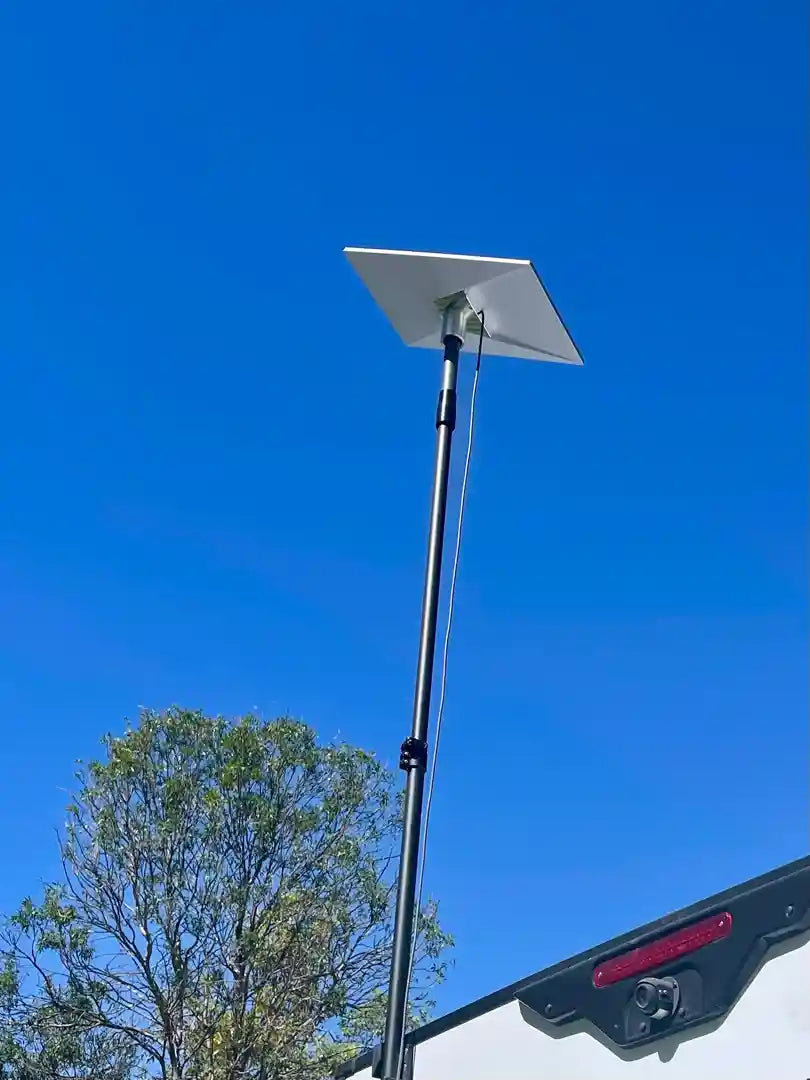
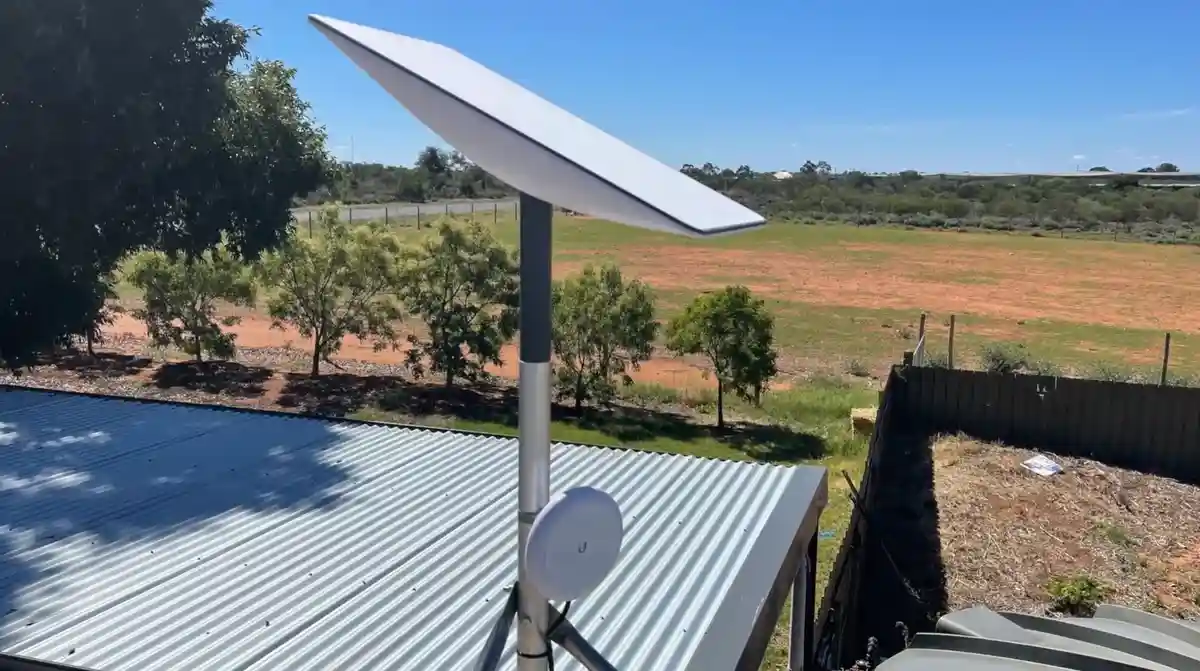
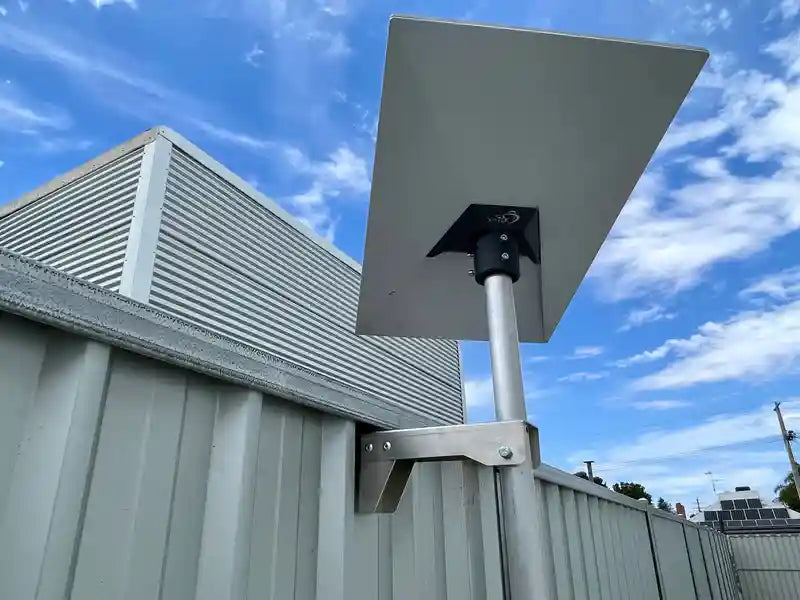
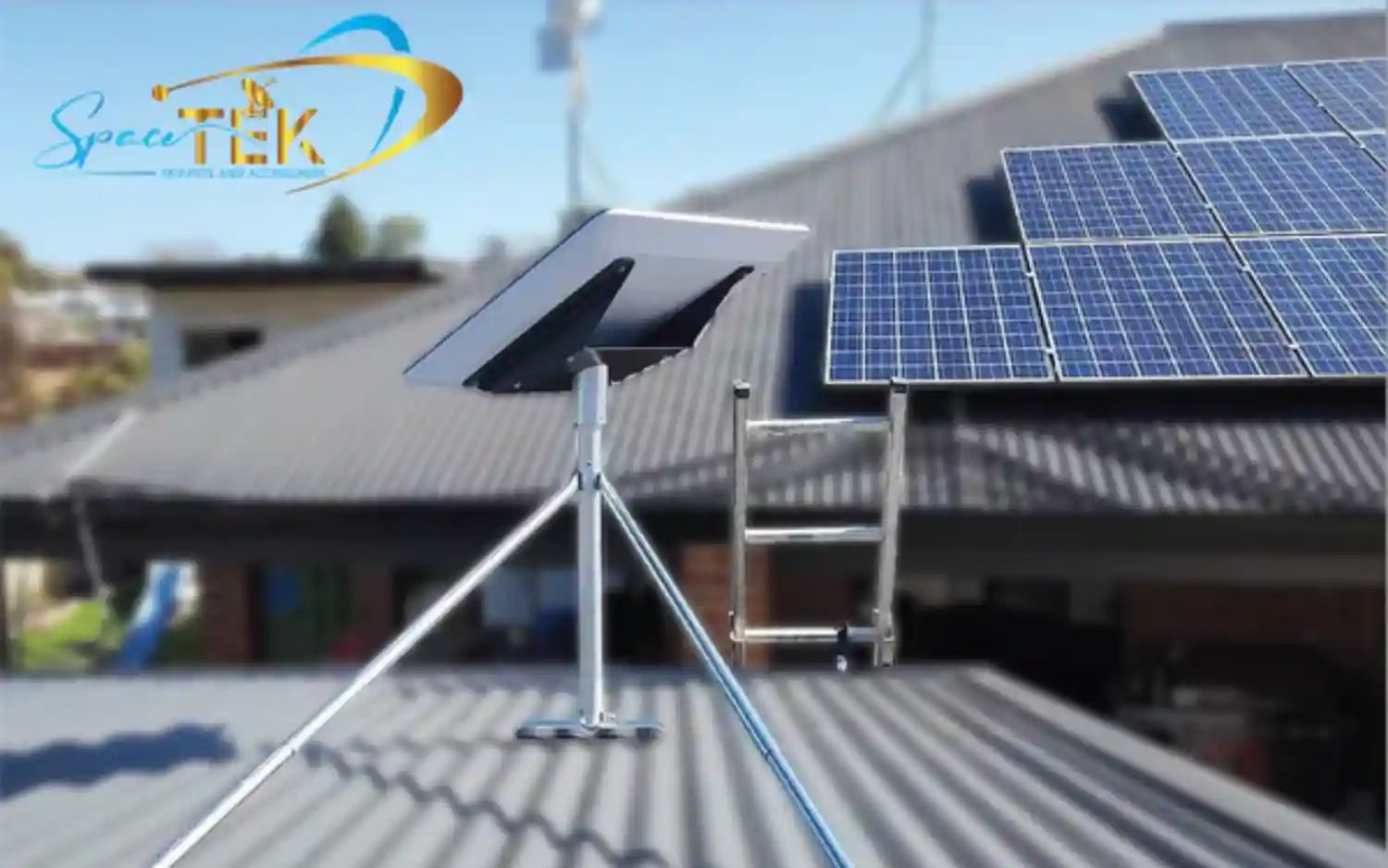
Starlink antennas use phased-array technology and model-specific alignment behavior. Some Standard kits include a temporary stand or kickstand, but permanent installations need a mount suitable for the dish, supporting structure, and expected loads. SpaceTek Australia designs Starlink-compatible mounts using corrosion-resistant materials such as aluminum and stainless steel. Confirm product compatibility and assess the supporting structure before installation.
Power and networking arrangements differ across Starlink generations. Some Standard systems route power through the Starlink router, while certain Performance configurations use separate power-supply and network components. Cable types, Ethernet access, bypass options, and third-party-router integration depend on the supplied hardware. Follow the documentation included with your kit and avoid assuming that instructions for another generation apply.
Newer Standard routers may include built-in Ethernet ports, Wi-Fi 6, and mesh features, while earlier systems can use different accessories. Before upgrading or customizing your setup, identify the dish and router generation in your Starlink account or on the hardware label. Then review the compatible options in our Gen 3 / V4 mounts and accessories collection.
Conclusion: Securing Your Connection for the Future
Navigating the choice between Starlink Standard and Performance comes down to the needs of the installation. Standard hardware is the sensible starting point for many fixed residential users. Performance-family hardware may justify its additional size, power requirements, and installation demands for approved mobile applications, exposed sites, or operationally demanding business use. Neither option guarantees a particular speed, latency, uptime level, or result in obstructed or severe-weather conditions.
Whichever hardware you choose, prioritize a clear view of the sky, a mount suited to the exact dish and supporting structure, careful cable routing, and compliance with the manufacturer's current instructions. SpaceTek is an Australian company that designs and supplies Starlink-compatible mounts and accessories. Our history and product expertise are Australian; this US-market article does not imply that SpaceTek has US offices, warehouses, local installers, or locally provided Starlink service.
For help identifying a compatible SpaceTek mounting product for your hardware, contact us. Include your Starlink dish generation, intended mounting surface, and whether the installation is fixed or mobile. For Starlink service availability, plan eligibility, account support, and current hardware specifications, consult Starlink directly.

Leave a comment
This site is protected by hCaptcha and the hCaptcha Privacy Policy and Terms of Service apply.