
How Does Starlink V5 Differ From V4?
The key differences between Starlink V4 and V5 are physical size, weight, power efficiency, included hardware and intended use. V5 is the more compact fixed-home dish, while V4 remains the larger standard option with a slightly higher published peak speed and a different kit configuration.
Starlink’s official V4 and V5 comparison confirms the practical theme: V5 reduces the dish footprint and weight, changes the power and router arrangement, and is designed around fixed residential use.
For Australian buyers, the best choice comes down to the available mounting space, power setup, Wi-Fi needs and whether the dish must stay fixed or support a mobile use case.
I’m Andrew Ziogas, Managing Director at SpaceTek Australia. I work with Starlink self-installers who need to match the right dish, cable route and mounting approach to real Australian roofs, rural properties and off-grid setups, so this comparison focuses on the details that matter once the box is open.
What Are the Most Important Starlink V4 vs V5 Differences?
- Choose V5 for a smaller, lighter fixed installation. Its reduced size makes handling and placement simpler where roof space, mast loading or off-grid power use are priorities.
- Choose V4 when the broader router footprint or higher published peak speed matters more. The real-world difference will still depend heavily on the local Starlink cell and a clear view of the sky.
- Do not treat V5 as an automatic speed upgrade. It is primarily a hardware-efficiency update rather than a wholesale change to the service itself.
- Check mounting compatibility before buying accessories. The V5 kit includes a pipe adapter, while V4 and V5 should not be assumed to share the same mounting interface.
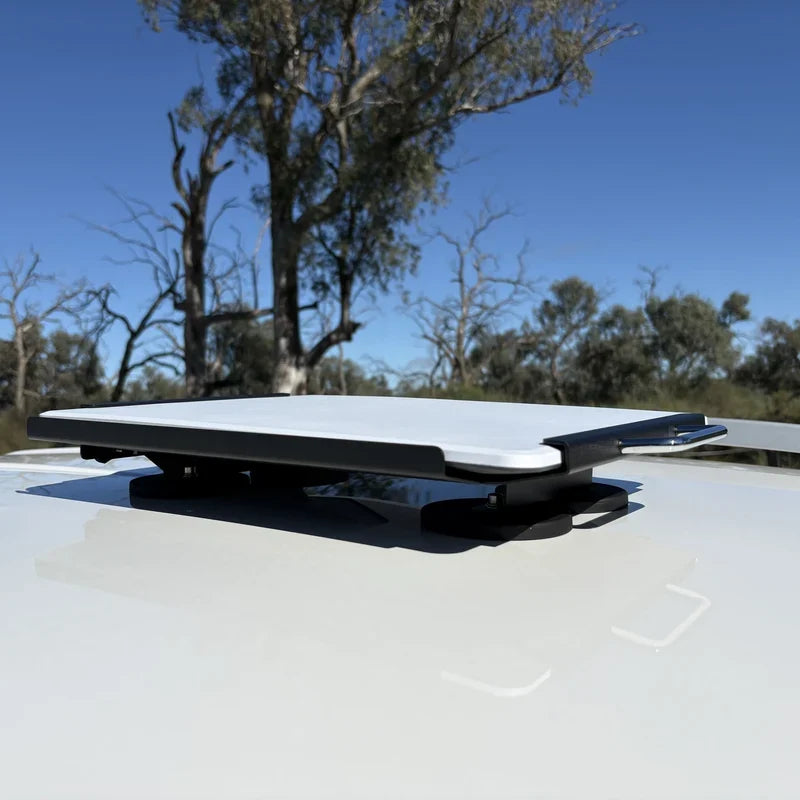
- Match the dish to how it will be used. V5 is for fixed sites; people needing a travel or in-motion solution should confirm the current Starlink hardware and service requirements before choosing.
How Do Starlink V4 and V5 Compare for Size, Weight and Hardware?
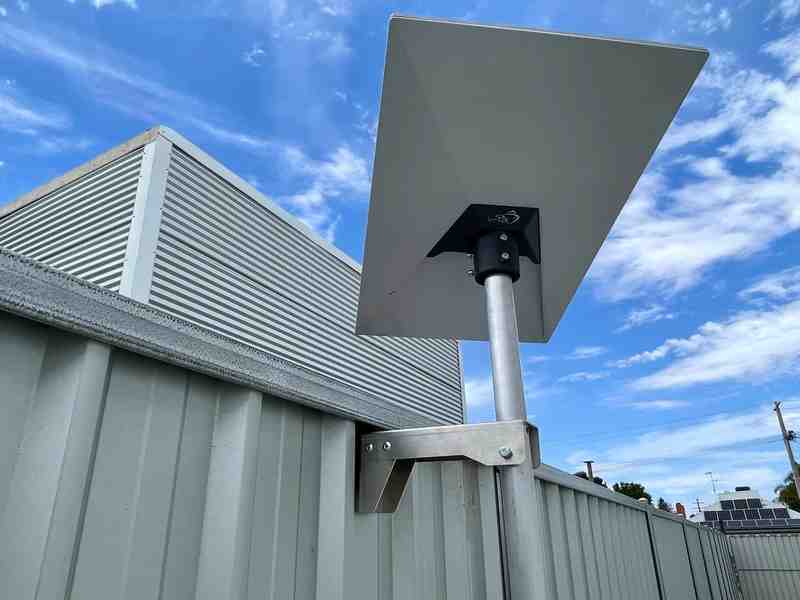
Short answer: V5 is much smaller and lighter than V4, making it easier to handle for fixed installations. The V4 dish measures 594 x 383 x 39.7 mm and weighs 2.9 kg, while the V5 measures 384 x 306 x 34 mm and weighs 1.1 kg. That makes V5 far easier to handle on a ladder, at a mast location or on a roof with limited working room.
The Starlink hardware generations guide is useful background if you are comparing V4 and V5 with older Standard or Mini hardware, but the important point is simple: neither a newer dish nor a smaller dish automatically means a faster connection.
| Feature | Starlink V4 | Starlink V5 |
|---|---|---|
| Dish dimensions | 594 x 383 x 39.7 mm | 384 x 306 x 34 mm |
| Dish weight | 2.9 kg | 1.1 kg |
| Published peak download speed | 400+ Mbps | 375+ Mbps |
| Field of view | 110 degrees | 110 degrees |
| Antenna elements | 1,536 | 820 |
| Included router | Router 3 or Router Mini, depending on kit | Router Mini |
| Included mounting hardware | Removable kickstand | Removable kickstand and pipe adapter |
Why Does the Smaller V5 Dish Matter?
V5 uses fewer antenna elements and a smaller panel to achieve its lower-weight design. In plain English, both dishes electronically steer their signal towards passing satellites, but V5 does so with a smaller physical array. Starlink lists the same 110-degree field of view, meaning the area of sky each dish can see, for both models, so a clear view of the sky still matters more than the difference in dish face area.
For an exposed roof, a smaller dish can also simplify the mechanical side of an installation. It does not remove the need for a sound mounting plan: choose a mounting location that suits the roof structure, weather exposure and cable route, then use compatible dish mounts or Starlink mounts designed for that exact hardware generation.
How Do Power, Router and Kit Components Compare Between V4 and V5?

V5 is designed as a lower-power fixed-home terminal than V4, although actual consumption changes with weather, network activity, obstructions and the rest of the network setup. That distinction matters most for regional homes, sheds, remote properties and solar-and-battery systems where every continuous load has to be planned.
For readers building an off-grid setup, this guide to Starlink V5 battery and solar power planning explains the wider considerations.
Where a compatible direct DC-to-DC setup is available, meaning power supplied directly from a battery system without first converting it to household AC power, it can offer higher efficiency and lower draw than running through an AC inverter, while also allowing a custom router or firewall to bypass the supplied Starlink router.
What Changes in the V5 Kit?
- Power arrangement: V5 separates the power supply from the indoor Router Mini instead of combining all networking and power functions in one larger unit.
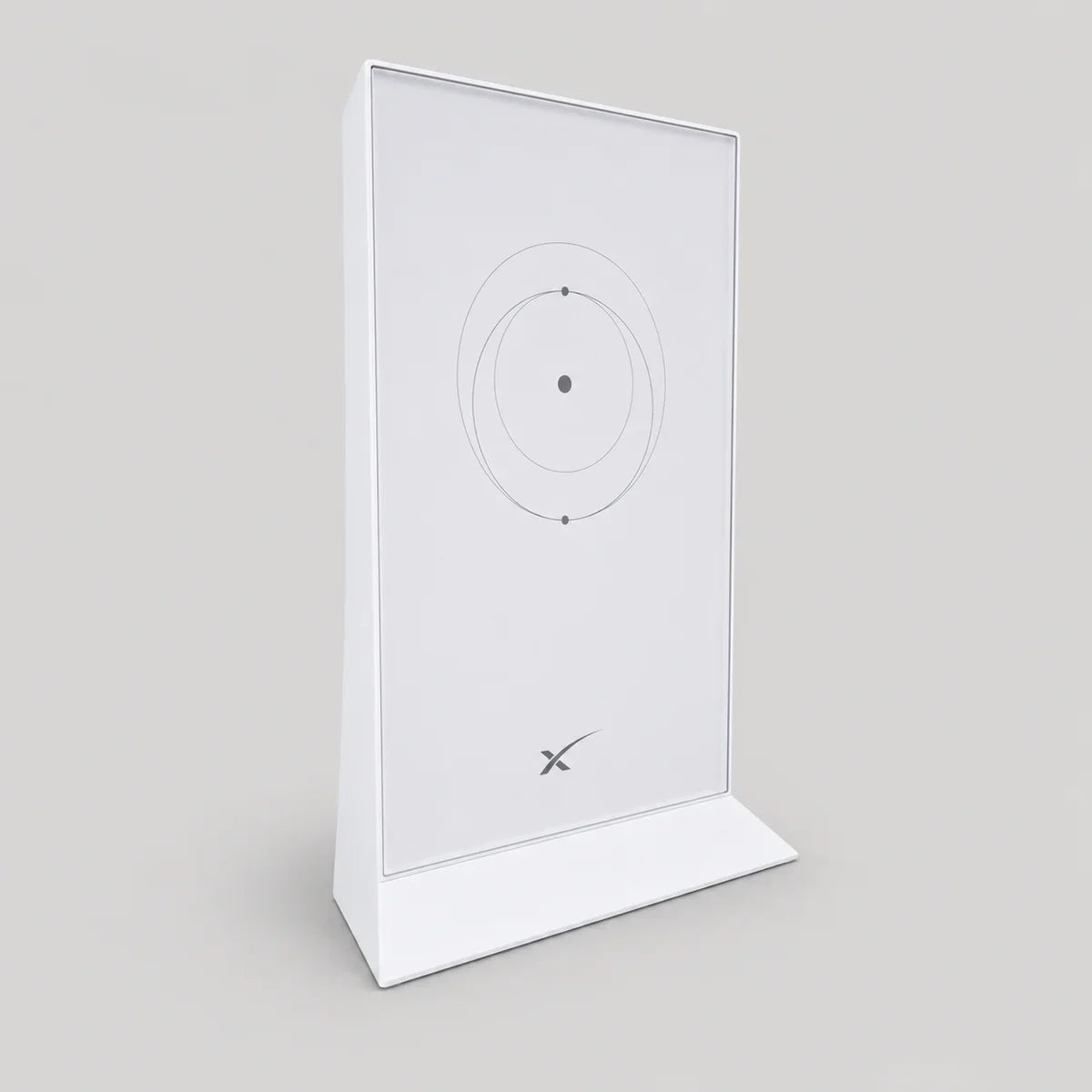
- Router: The V5 kit includes a compact Router Mini with Wi-Fi 6 and Ethernet ports for wired devices or a tailored home network.
- Mounting inclusion: V5 includes a pipe adapter alongside its removable kickstand, which is useful for suitable pole installations.
- Cable planning: The supplied outdoor cable carries power and data, so measure the route and protect entry points before deciding where the dish and indoor equipment will sit.
What Should Off-Grid Users Consider Before Choosing?
Do not choose purely on the published power category. Consider the battery capacity, solar input, seasonal conditions, cable run, router requirements and whether the site needs a simple plug-and-play setup or a custom network. V5’s smaller, more efficient form factor can be appealing for fixed off-grid internet, but a proper power and mounting plan is still the difference between a tidy install and ongoing troubleshooting.
Is Starlink V5 Faster Than V4, and Which Dish Suits Your Setup?
Short answer: V5 is not designed as a major speed upgrade over V4. Starlink lists a 375+ Mbps peak download speed for V5 and 400+ Mbps for V4, but those figures are upper limits rather than a promise of everyday throughput. Independent V5 launch reporting reached the same practical conclusion: the headline change is smaller, lighter and more efficient hardware, not a dramatic performance jump.
In normal use, the factors below usually matter more than the dish revision:
- Obstructions: Trees, rooflines and nearby structures can interrupt the dish’s view of the sky and cause dropouts.
- Local capacity: Performance varies with demand in the local Starlink cell and changes over time as the network evolves.
- Service plan and network setup: Your plan, Wi-Fi coverage, wired devices and local router configuration can affect the experience inside the property.
- Installation quality: A secure mount, sensible cable route and weather-protected entry point help keep a fixed installation reliable.
Which Dish Is Better for Fixed Homes, Off-Grid Sites and Mobility?
Choose Starlink V5 when the priority is a compact fixed installation, easier handling, lower ongoing power demand or a smaller mounting footprint. Choose Starlink V4 when its different kit layout, broader native Wi-Fi coverage or higher published peak speed better suits the property.
For either dish, start with the Starlink app obstruction check, then choose a location with a clear sky view and a practical cable route. On Australian roofs, dish mounts and Starlink mounts should be selected for the exact terminal, roof structure and local weather exposure rather than assumed to work across generations.
V5 is not intended for in-motion use. If travel, caravans or vehicles are central to the decision, confirm the current Starlink hardware and service conditions before purchasing, because a compact fixed dish and a mobility setup solve different problems.
Which Starlink V4 vs V5 Questions Matter Before You Buy?
Is Starlink V5 better than V4?
V5 is better for a fixed installation where a smaller, lighter dish and lower power demand matter most. V4 may be the better fit where its different kit configuration or broader native Wi-Fi coverage suits the property. Neither model is automatically better for every location.
Is Starlink V5 faster than V4?
Short answer: Not necessarily. Starlink publishes a slightly higher peak download figure for V4, but real-world speed depends much more on obstructions, local capacity, your service plan and the network inside the property. The V5 redesign focuses on compactness and efficiency rather than a major jump in everyday performance.
Can I upgrade from Starlink V4 to V5?
If a V4 installation is working well, upgrading only makes sense when the smaller dish, lower power category or revised kit layout solves a genuine problem. Before changing hardware, check the current Starlink availability for your address and verify whether the existing mount, cable route and indoor network will still suit the new terminal.
Can I use my existing V4 mount with Starlink V5?
Do not assume compatibility. V5 includes a pipe adapter, but the dish interface and mounting requirements should be checked against the exact mount and terminal version. Confirm compatibility before ordering any accessory or starting a roof installation.
Is Starlink V5 Suitable for Vehicle or Boat Use?
No. V5 is intended for fixed use. For a vehicle, caravan or marine application, review Starlink’s current mobility options and service conditions rather than relying on a fixed-home terminal.
Does the Starlink V5 kit include a router?
Yes. The V5 kit includes a separate indoor Router Mini and external power supply. That modular layout can make it easier to plan a wired connection or a custom network, provided the chosen hardware and configuration are compatible.
What Is the Best Starlink Dish for a Fixed Australian Setup?
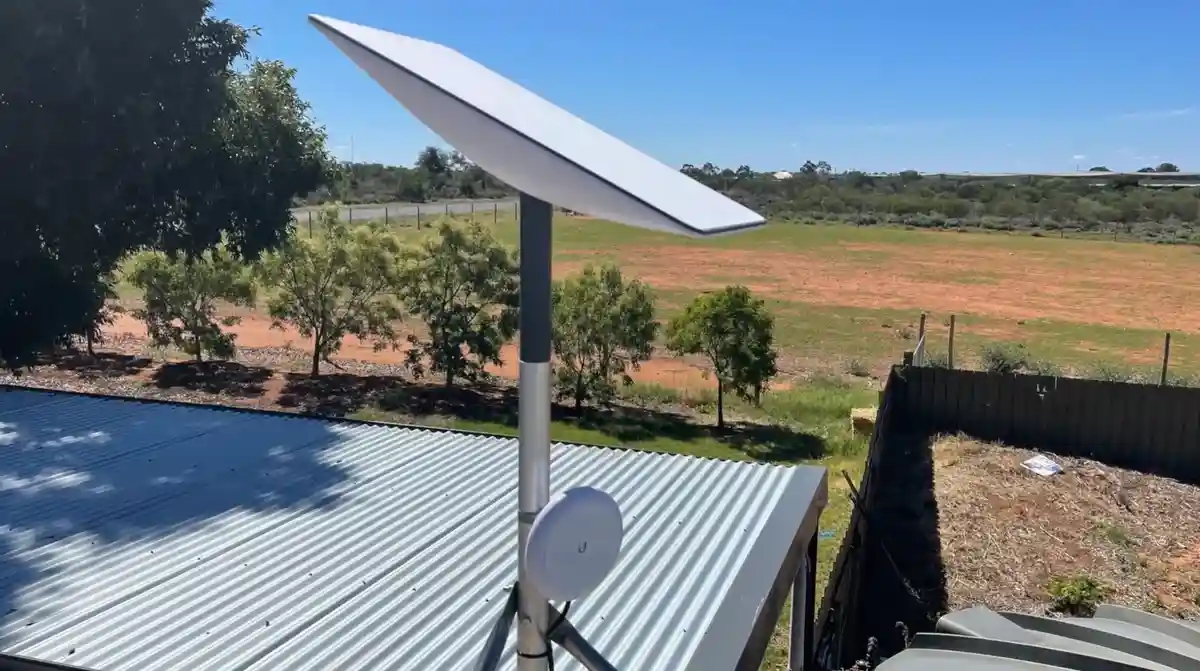
Starlink V5 is the better fit for most new fixed-home and off-grid installations that benefit from a smaller, lighter dish and lower power demand. Starlink V4 remains a capable choice when its different kit configuration and slightly higher published peak speed are more important than compactness.
The practical winner is the model that matches the site. Check the sky view first, plan the power and cable route, and confirm the mounting interface before purchasing anything for the roof or mast. That approach matters more than chasing a small difference on a specification sheet.
For help planning a compatible Australian installation, these SpaceTek resources are a useful next step:

Leave a comment
This site is protected by hCaptcha and the hCaptcha Privacy Policy and Terms of Service apply.